
Terminal Agent Orchestrator
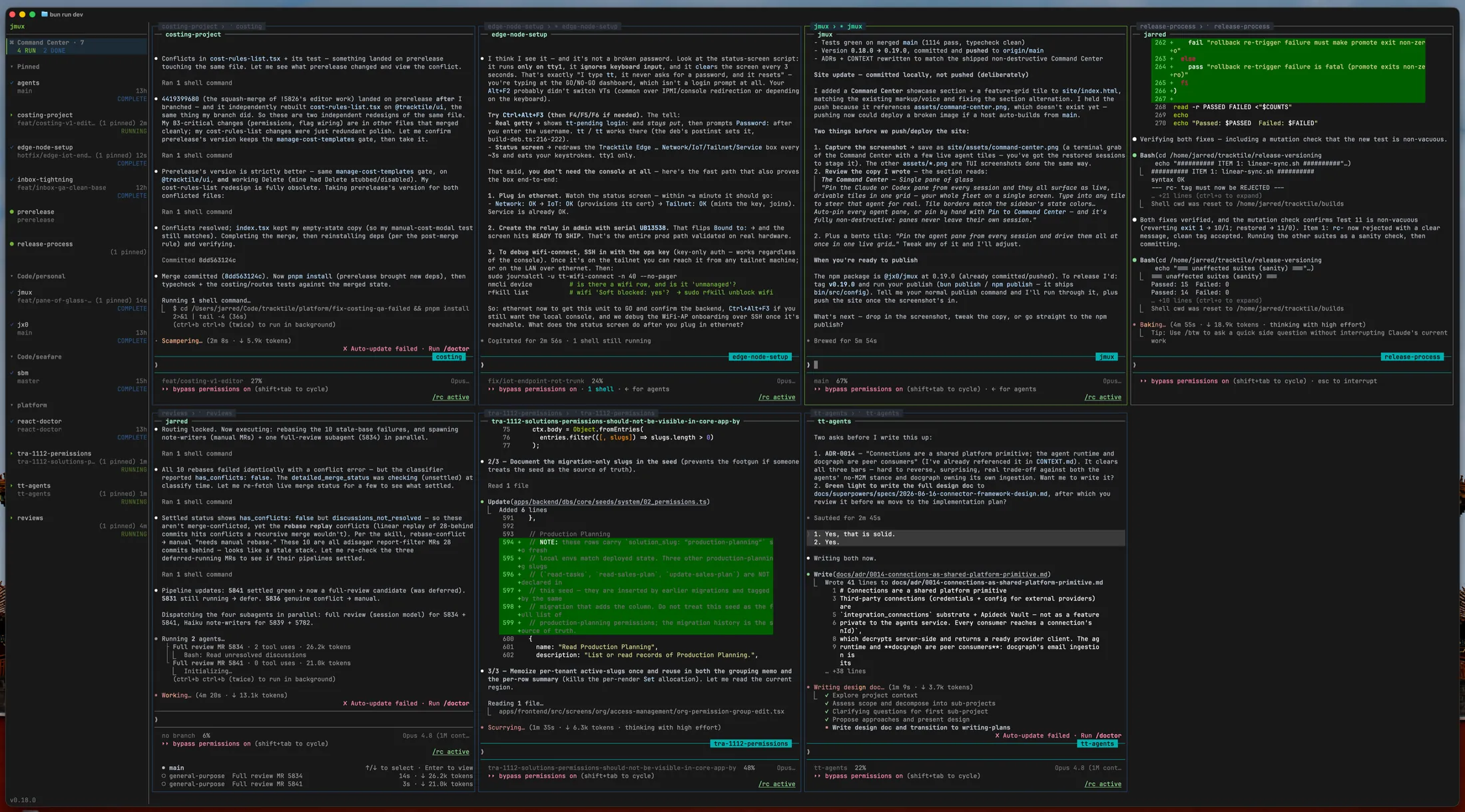
Agent IDEs ship their own terminal, diff viewer, and worktree manager — then lock you in. jmux orchestrates tmux, hunk, wtm, and whatever else you already use. Your tools stay your tools.
Mouad
"I have used tmux for 5 years — jmux makes me 5x more efficient."
Mouad
"I have used tmux for 5 years — jmux makes me 5x more efficient."
Ravin
@ravinwashere
"The attention flags, clean sidebar, and quick session switching have genuinely made my workflow much smoother and less chaotic. Really solid and lightweight tool."
Azzeddine
"Wow"
Why jmux
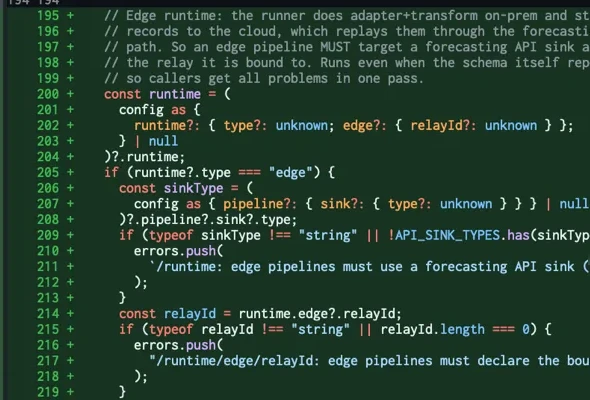
Agent IDEs bundle their own diff panel. jmux integrates hunk — syntax-highlighted, word-level, split and full-screen views. Built by people who only build diff viewers.
jmux doesn't invent its own branching model. It uses wtm and git worktrees — one branch per agent, one session per branch. If you stop using jmux, the branches are still there.
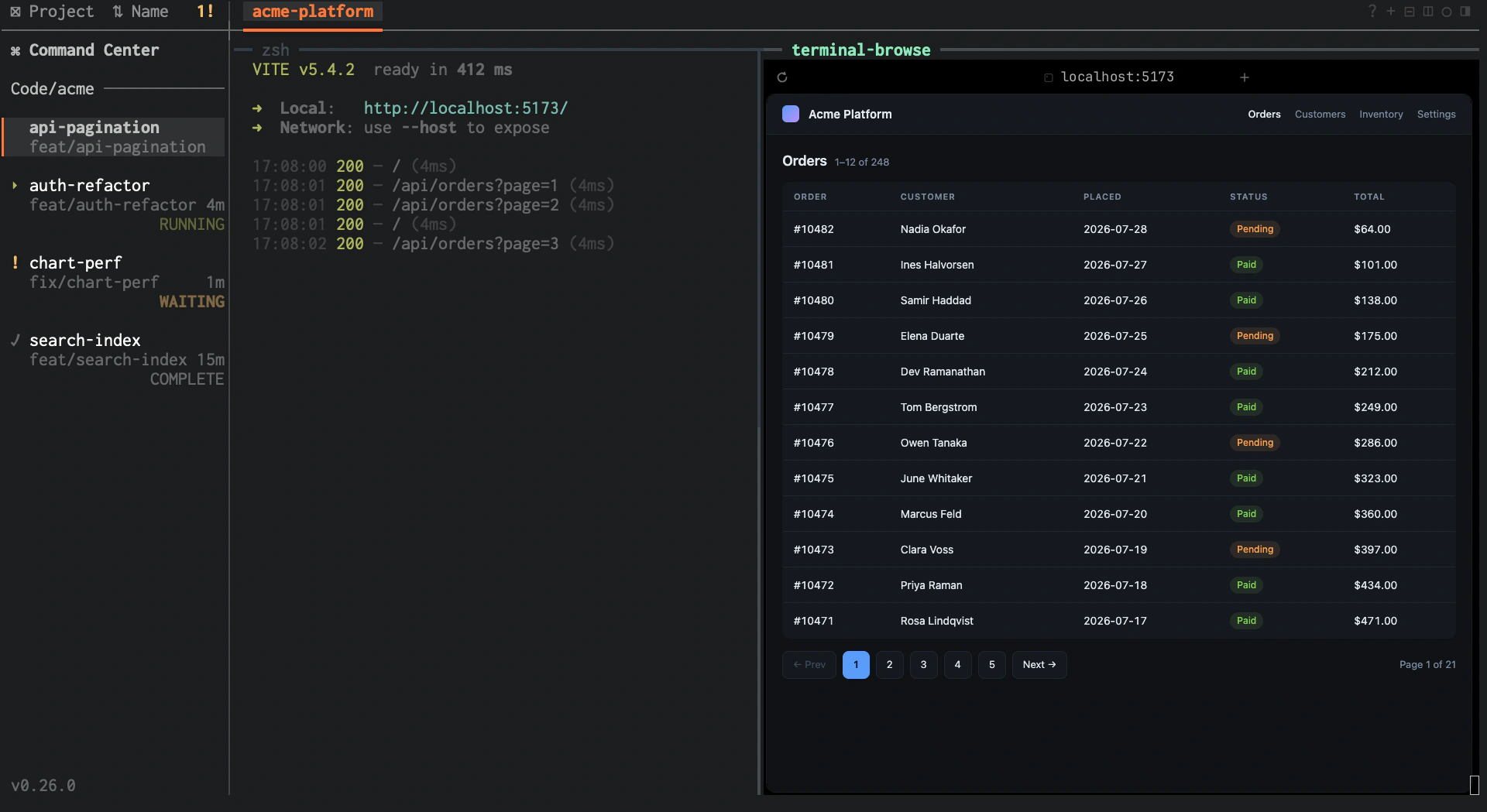
Your theme, your keybinds, your plugins, your ~/.tmux.conf. jmux runs in any terminal you already have — local, SSH, containers, devboxes. No Electron shell. No proprietary runtime. If it runs tmux, it runs jmux.
How it Compares
| jmux | Bundled Agent IDEs | Raw tmux | |
|---|---|---|---|
| Parallel agent orchestration | ✓ | ✓ | Manual |
| Agent status & attention flags | ✓ | ✓ | ✗ |
| Integrated diff review | ✓ | ✓ | ✗ |
| Issue & MR tracking | ✓ | Extension | ✗ |
| Cache cost visibility | ✓ | ✗ | ✗ |
| Runs over SSH / headless | ✓ | ✗ | ✓ |
| Use any editor or tool | ✓ | Bundled | ✓ |
| Works with any terminal agent | ✓ | Supported list | ✓ |
| Programmatic agent control | ✓ | Extension | ✗ |
| Sessions outlive the orchestrator | ✓ | ✗ | ✓ |
| Install size | ~0.3 MB | ~200+ MB | — |
Bundled agent IDEs — Orca, Cursor, Windsurf, Conductor — ship their own terminal, editor, and runtime in a desktop app.
Built for the Workflow
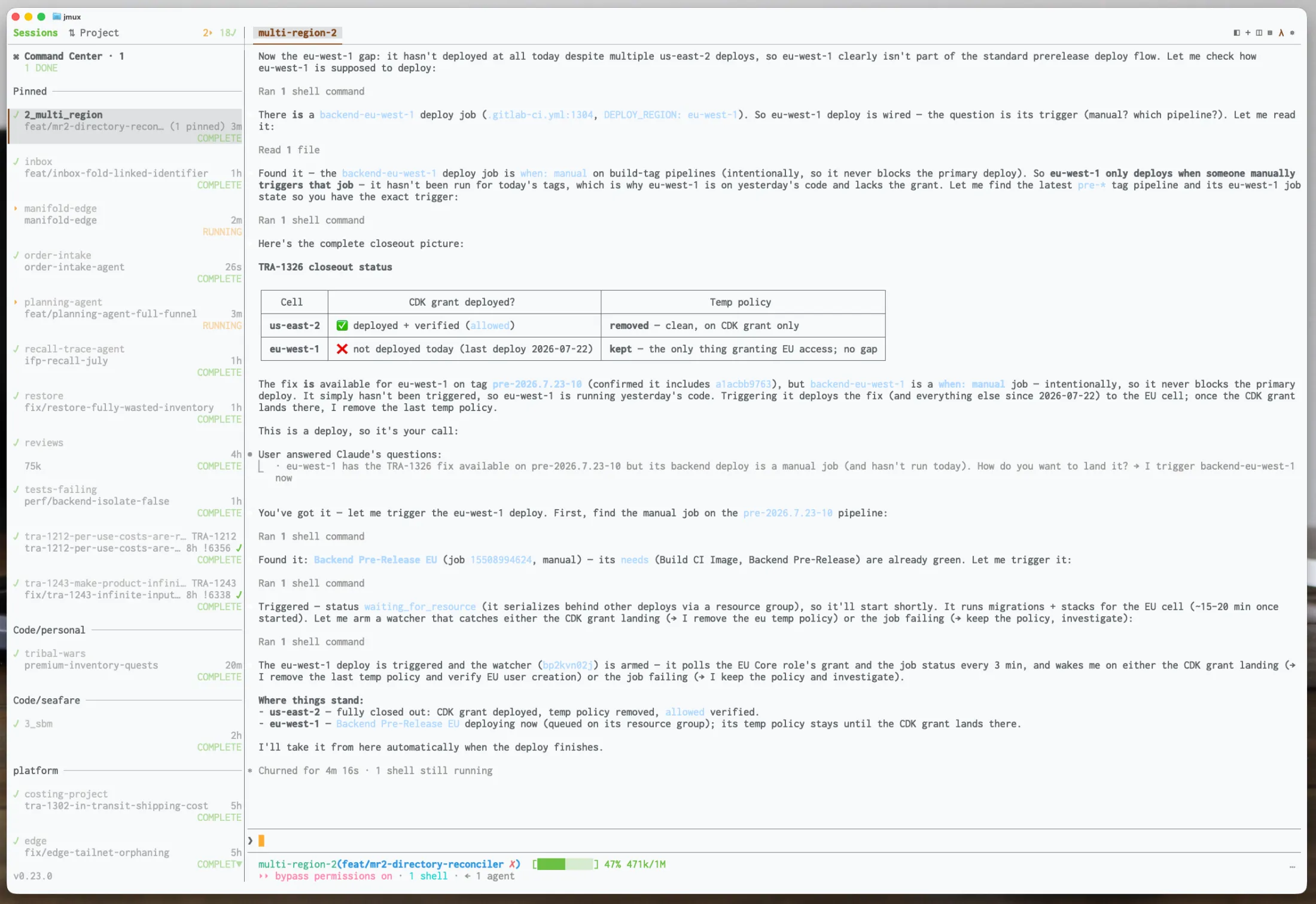
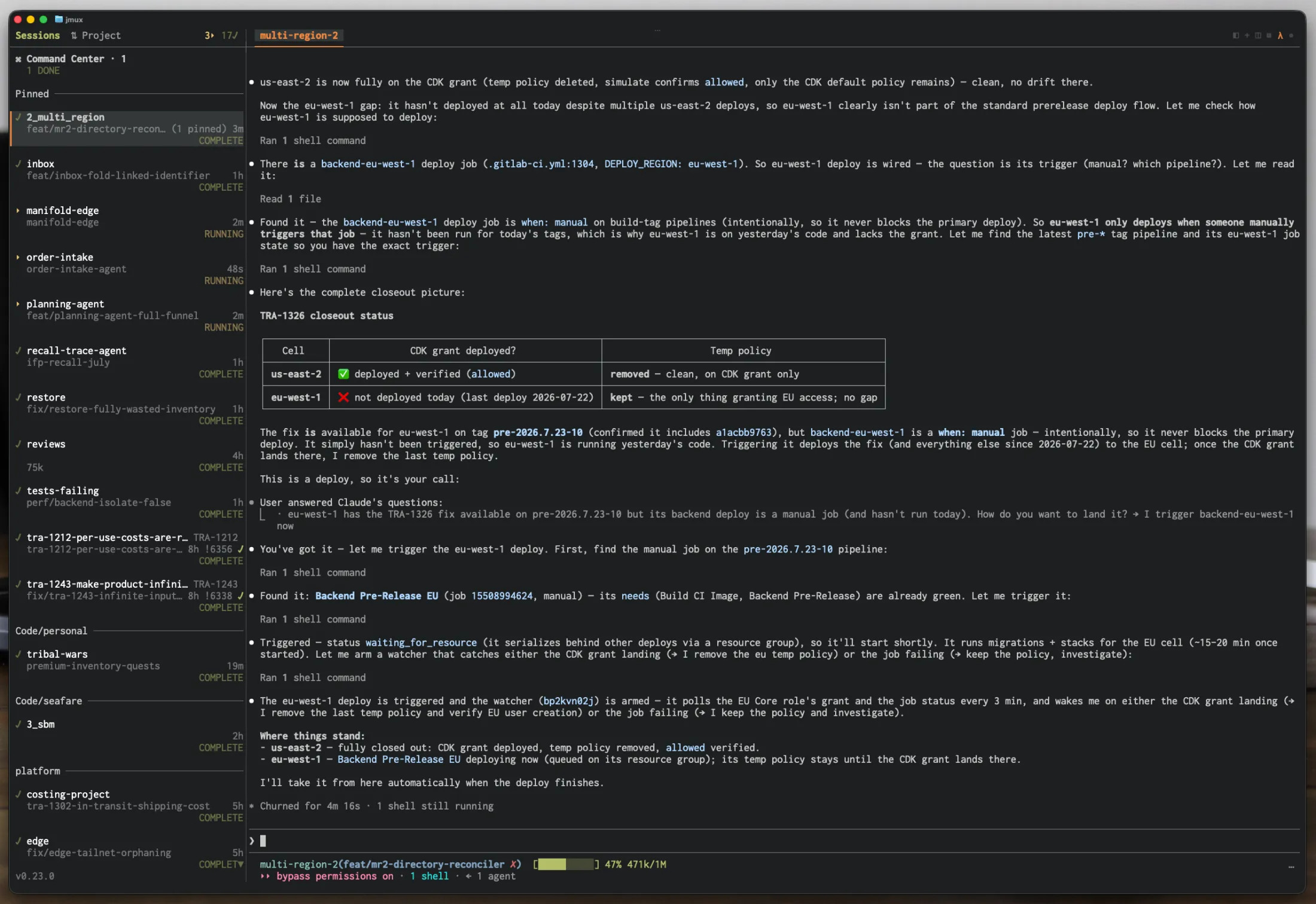
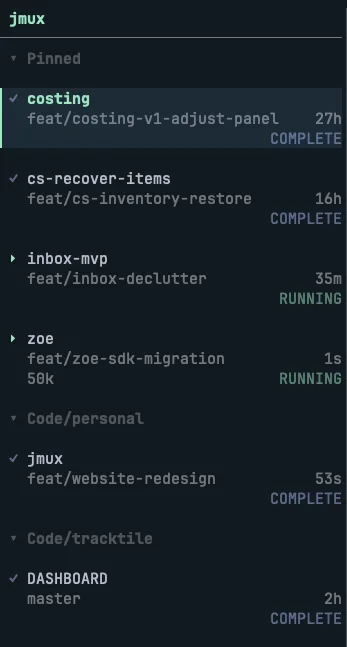
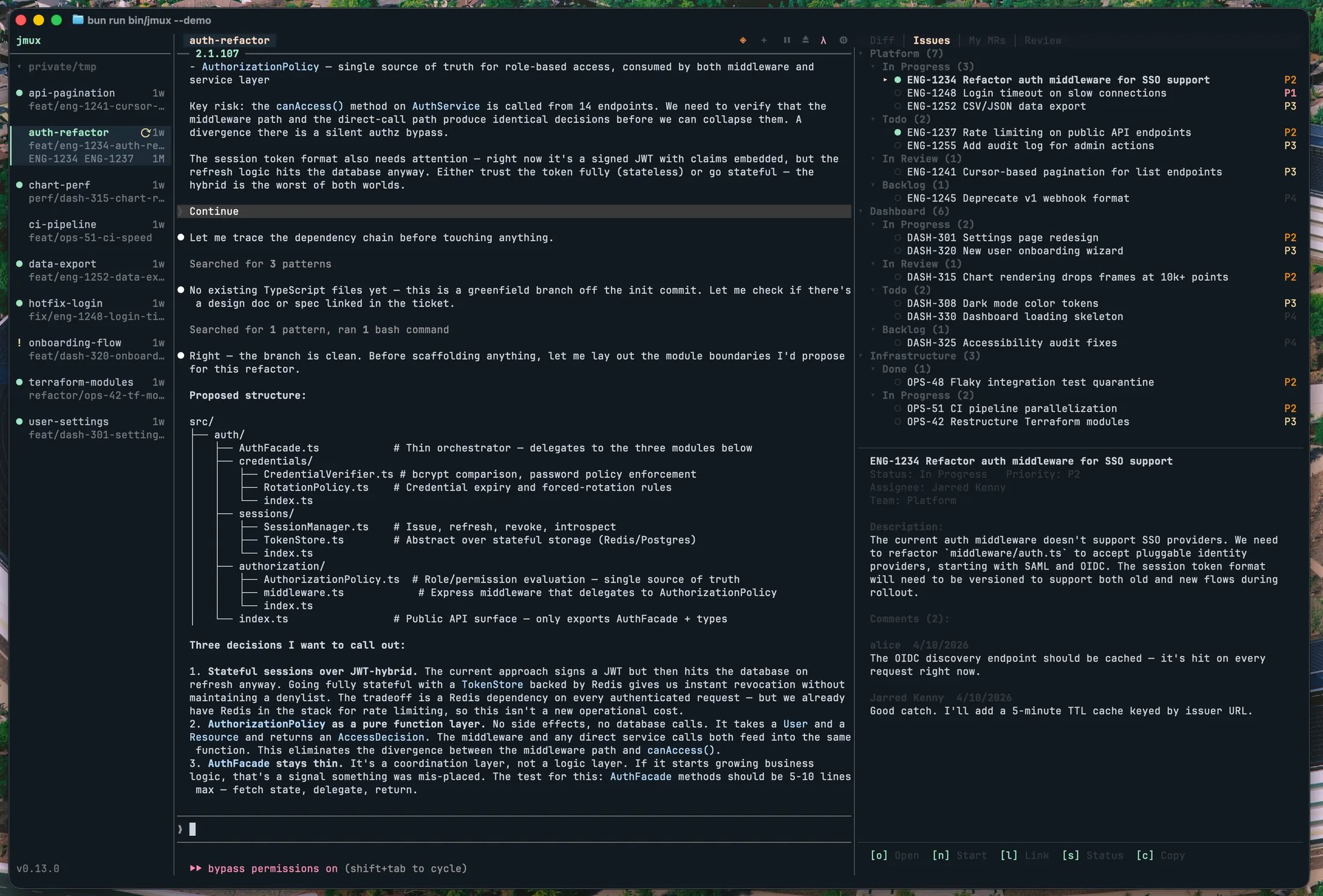
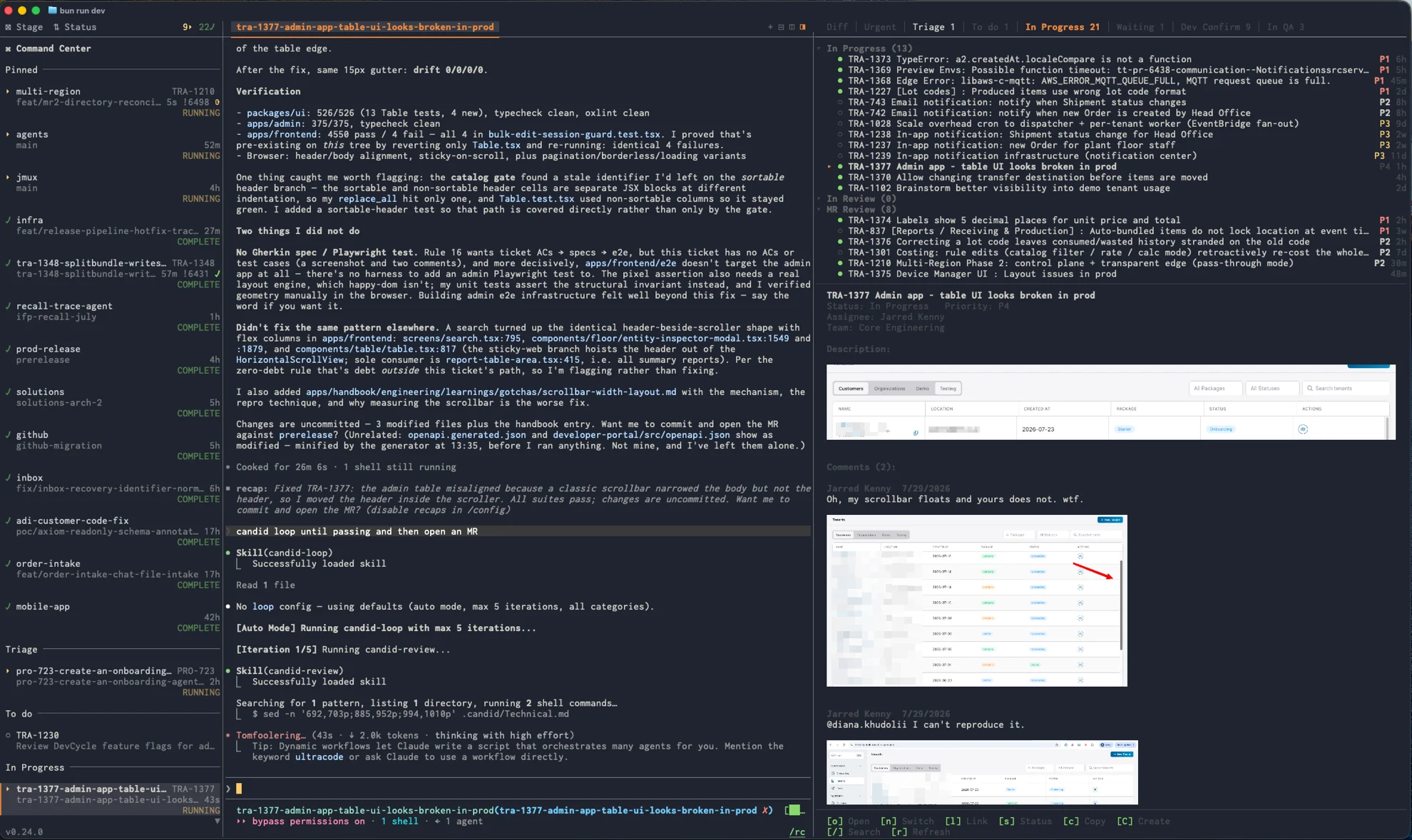
Every session at a glance — name, branch, pipeline status, linked issues. Green dot for activity, orange flag when an agent needs review.
Ctrl-Shift-Up/Down. No prefix, no menu, no mode. Or click the sidebar. Indicators clear only when you actually interact.
When Claude Code finishes a response, the orange ! appears. Switch to it, review the work, move on. One command to install hooks for any agent.
See your Linear issues and GitLab MRs in a tabbed panel. Pipeline glyphs in the sidebar. Approve, undraft, or update status without opening a browser.
Works with your ~/.tmux.conf. Your plugins, your prefix key, your bindings. jmux doesn't replace your tools — it organizes them.
Keyboard-First
Ctrl-a p to open. Type to fuzzy-search sessions, windows, pane actions, and settings. Hit Enter to execute.
Switch sessions by name, split panes, zoom, change settings — all without memorizing keybindings.
Code Review
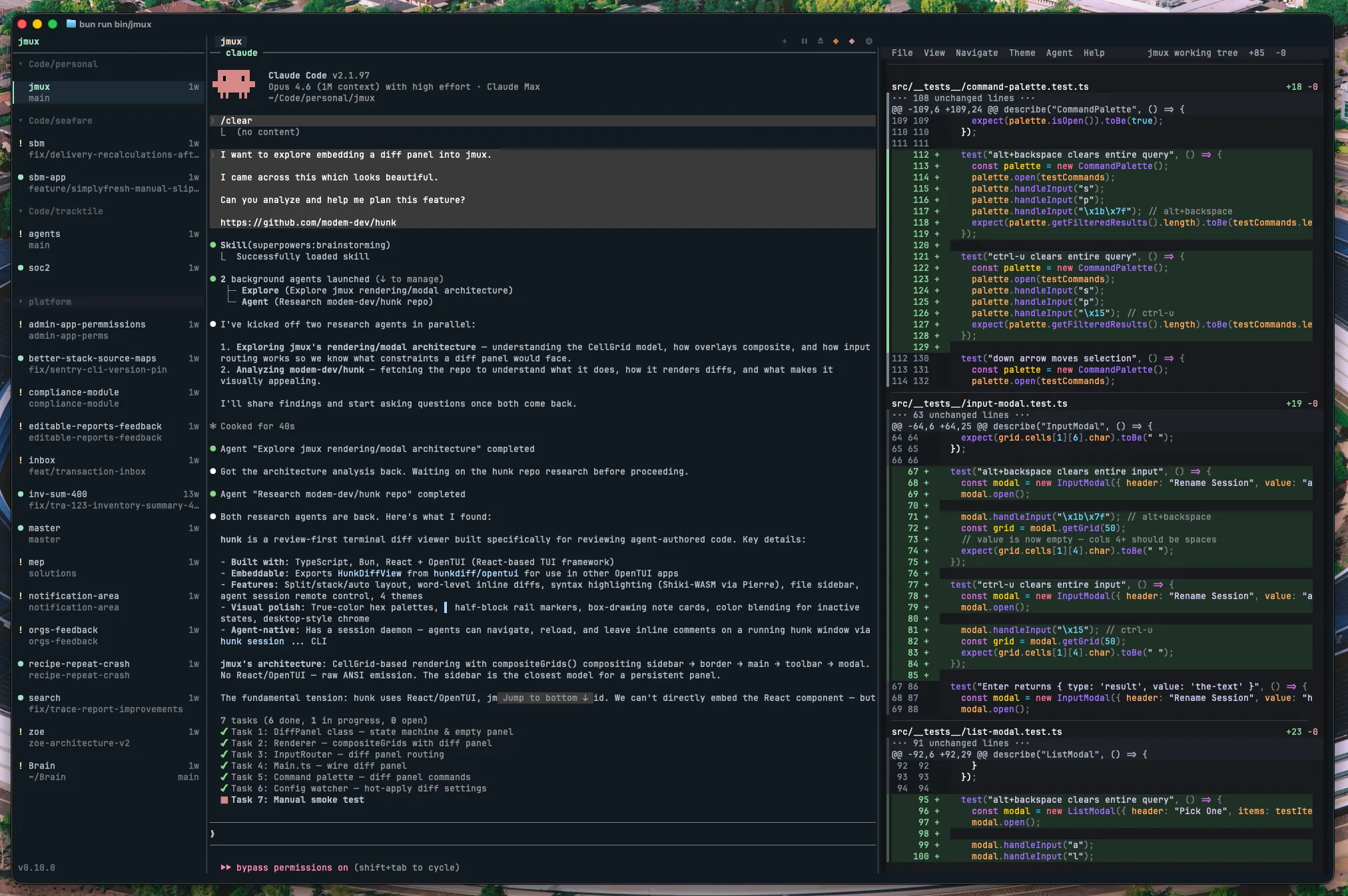
Ctrl-a g to toggle. A tabbed side panel with diffs, issues, MRs, and review queues. The Diff tab is powered by hunk — syntax highlighting, word-level diffs, and split/stack views.
Split mode for monitoring while agents work. Full-screen mode for thorough review. Use [ and ] to cycle between tabs.
Navigate with Shift-Right from your rightmost pane — the panel feels like another pane in your layout.
Issue Tracking
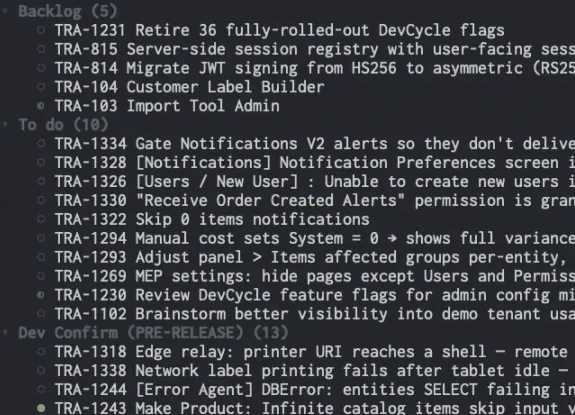
The info panel shows your issues, MRs, and pipeline status in tabbed views alongside the diff viewer. Sessions auto-link to their branch's MR and associated issues.
Select an issue. Press n. jmux creates a worktree, opens a session, and launches your agent with the issue context — all in one step.
Press o to open in browser, s to update status, a to approve an MR. No browser tabs required.
Currently supports Linear (issues) and GitLab (MRs). More adapters coming.
Agent Automation
jmux ctl gives agents and scripts a structured CLI to control the workspace. Dispatch Claude Code instances, monitor attention flags, capture pane output, send follow-ups.
Ships with an agent skill document — Claude Code agents running inside jmux automatically discover the control interface and can orchestrate sibling agents across sessions.
All output is structured JSON. Context resolution is automatic — agents inherit $TMUX and $TMUX_PANE from their environment.
Cost Visibility
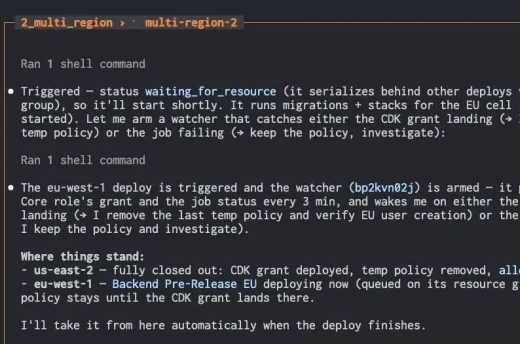
Each session shows a live countdown to Claude's prompt cache expiry. Green above 3 minutes, yellow under 3, red under 30 seconds, dim at 0:00.
Sending a prompt to a warm session saves up to 90% on input tokens. jmux reads real cache data from Claude Code's OpenTelemetry telemetry — no setup required.
Ecosystem
The best terminal diff viewer
Powers jmux's integrated diff panel. Syntax-highlighted, word-level diffs with split and full-screen views. npm i -g hunkdiff
The best Git worktree manager
Powers jmux's worktree creation flow. One worktree per agent, one session per branch. Parallel agents on parallel branches.
The leading AI coding agent
Ships with a jmux-control agent skill so Claude discovers the control CLI automatically. Telemetry integration for cache timers and attention flags.
Modern issue tracking
Your assigned issues in the info panel. Update statuses, create sessions from issues, auto-link branches. Set $LINEAR_API_KEY and go.
MRs, pipelines, approvals
Pipeline glyphs in the sidebar. Approve and undraft MRs from the panel. Self-hosted instances supported.
The best terminal Git UI
Run it in a jmux pane alongside your agent. Full Git workflow without leaving the terminal.
More great coding agents
If it runs in a terminal, it works in jmux. Attention hooks for anything that can trigger a shell command.
Whatever you use
vim, emacs, VS Code, your shell, your scripts. jmux doesn't care. It's tmux underneath.
Requires Bun 1.2+ and tmux 3.2+.
~0.3 MB. Installs in under a second. jmux will install tmux for you if needed.